System How-to
What Graphics Card Do I Have? 5 Ways to Check
What graphics card do I have? Check your GPU on Windows 11 or 10 in seconds with Task Manager, Device Manager, dxdiag or PowerShell, plus VRAM.

On this page
To see what graphics card you have, press Ctrl+Shift+Esc to open Task Manager, go to Performance and click GPU: the model name is at the top right, with dedicated memory below. Laptops often list two GPUs, GPU 0 (integrated, like Intel or AMD Radeon Graphics) and GPU 1 (dedicated, like NVIDIA GeForce). Device Manager > Display adapters and dxdiag show the same.
Time: 30 seconds · Cost: free · Works on: Windows 11 and Windows 10
A game lists "GTX 1060 or better" as a requirement, a driver download page asks for your model, or you are selling the PC. Either way you need to know: what graphics card do I have? Windows can tell you in seconds without opening the case. This guide shows five ways to check, how to read the result, and how to tell integrated graphics from a dedicated card.
Method 1: Task Manager (Fastest)
-
Open Task Manager
Press Ctrl+Shift+Esc. Click More details if you see the small view.
-
Go to Performance > GPU
The model is shown at the top right, for example "NVIDIA GeForce RTX 4060 Laptop GPU". Below the graphs you find Dedicated GPU memory (VRAM), driver version and date, and DirectX version.
-
Check every GPU entry
If you see GPU 0 and GPU 1, the PC has two. The one with dedicated memory measured in GB is the gaming GPU.
Method 2: Device Manager
Right-click Start > Device Manager > expand Display adapters. Every graphics chip is listed by name. "Microsoft Basic Display Adapter" means no proper driver is installed; install one from NVIDIA, AMD or Intel, or from your PC maker.
Method 3: DirectX Diagnostic Tool
Press Win+R, type dxdiag and press Enter. The Display tab (or Display 1 and Render tabs on laptops) shows the card name, manufacturer, chip type, display memory and driver version. Click Save All Information to create a text report for support forums.
Method 4: PowerShell
Get-CimInstance Win32_VideoController | Select-Object Name, DriverVersion, VideoProcessorHandy for remote PCs and scripts. Ignore the AdapterRAM property for modern cards: it cannot show more than 4 GB, so a 12 GB card looks like 4 GB. Use Task Manager or dxdiag for the real VRAM.
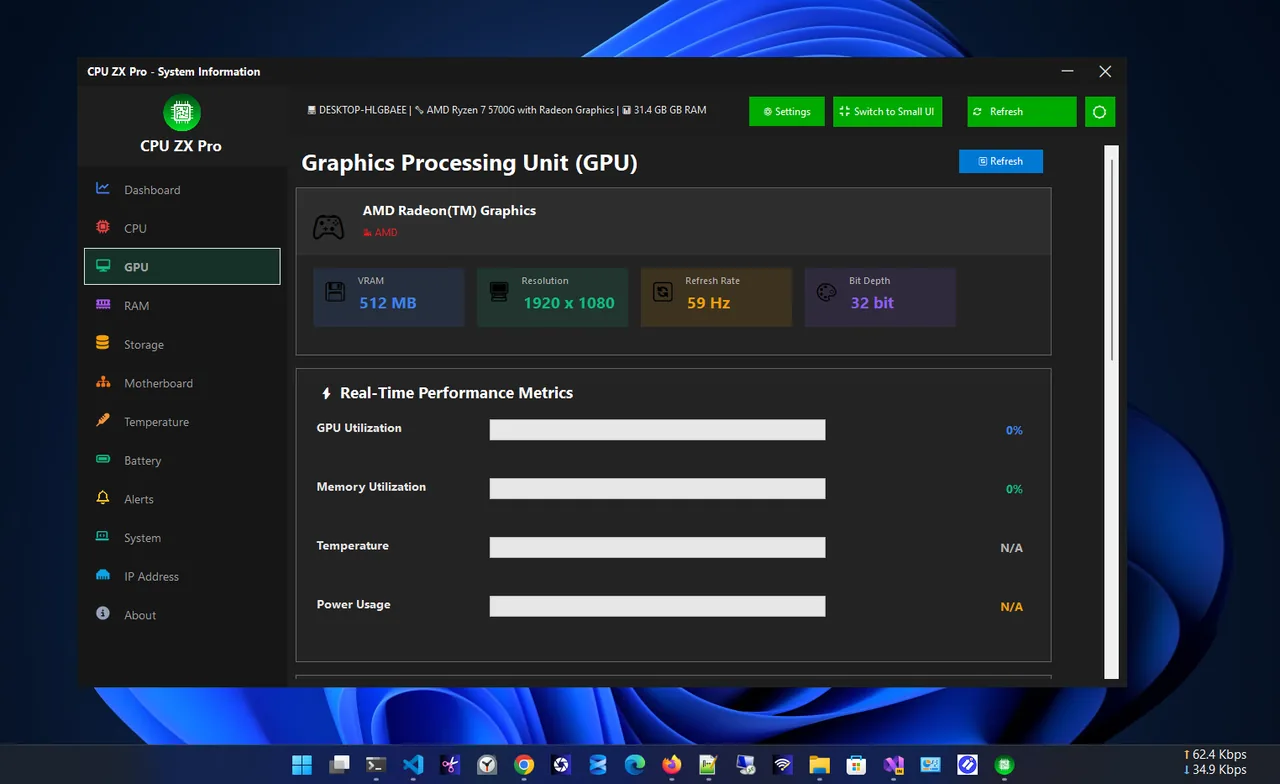
Method 5: CPU ZX Pro
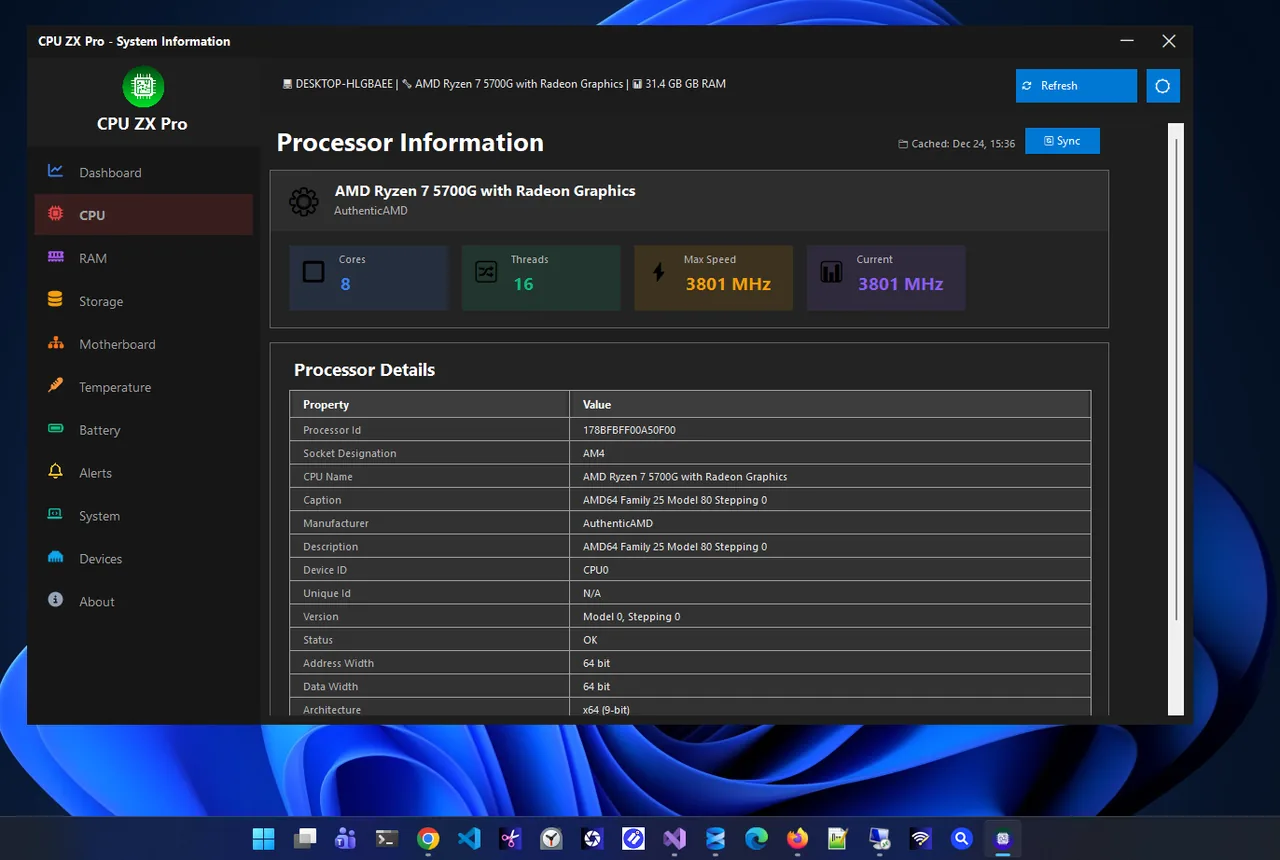
CPU ZX Pro shows the graphics card's full details next to real-time GPU metrics, CPU information, BIOS details and temperatures, so you get the model, usage and temperature on one screen instead of three Windows tools. To check if the card runs hot under load, see check GPU temperature on Windows 11.
Integrated vs Dedicated Graphics
| Integrated | Dedicated | |
|---|---|---|
| Examples | Intel UHD / Iris Xe / Arc (in CPU), AMD Radeon Graphics | NVIDIA GeForce RTX/GTX, AMD Radeon RX, Intel Arc A-series |
| Memory | Shares system RAM | Own VRAM (4–24 GB) |
| Good for | Office, video, light games | Modern games, 3D, AI, video editing |
| Power | Low, better battery | Higher |
Laptops with both switch automatically. To force a game onto the dedicated GPU, open Settings > System > Display > Graphics, select the game and choose High performance.
How to Read a GPU Name
- NVIDIA GeForce RTX 4070: "40" is the generation, "70" the tier. Higher tier within a generation is faster. "Laptop GPU" versions are slower than desktop cards of the same name.
- AMD Radeon RX 7800 XT: "7" is the generation, "800" the tier, XT a faster variant.
- Intel Arc A770: A-series is the first generation; 7 is the top tier.
To compare against game requirements, also check your CPU and RAM; see check PC specs on Windows 11. Upgrading a desktop card also depends on the board and power supply; see check your motherboard model.
What Graphics Card Do I Have in a Laptop?
Laptop GPUs often carry the same names as desktop cards but run at lower power, so a "RTX 4060 Laptop GPU" can be slower than a desktop RTX 4060. Two things tell you more:
- Power limit (TGP): listed on the laptop's specification page or in the NVIDIA Control Panel > Help > System Information. A higher TGP means more performance.
- MUX switch / Advanced Optimus: laptops with one can send the display directly from the dedicated GPU for better gaming frame rates. Look for it in the maker's control app.
When comparing a laptop against game requirements, use reviews of your exact laptop model rather than the GPU name alone.
Keep the Graphics Driver Up to Date
Once you know the model, install the latest driver from NVIDIA (GeForce Experience or the NVIDIA app), AMD (Adrenalin) or Intel (Arc Control / Driver & Support Assistant). New drivers fix crashes and often improve performance in recent games. Laptop users can also use the PC maker's driver, which may include tuned power settings.
FAQ
How do I know if my graphics card is good for gaming?
Compare the model with the game's minimum and recommended requirements. A dedicated card with at least 8 GB VRAM handles most current games at 1080p.
Why does Task Manager show two GPUs?
Your PC has integrated graphics in the processor and a dedicated card. Windows uses the integrated one for light tasks to save power.
How do I find my GPU without Windows?
Check the box, invoice or laptop model's spec sheet, or look at the card's sticker inside a desktop.
How much VRAM do I have?
Task Manager > Performance > GPU shows Dedicated GPU memory. That is your VRAM.
Conclusion
Task Manager answers "what graphics card do I have" in seconds: Performance > GPU. Device Manager, dxdiag and PowerShell confirm it, and a hardware app shows the card next to its live usage and temperature. Explore more system utilities for Windows 11.