Network Compare
Wi-Fi 6 vs Wi-Fi 5: Is Wi-Fi 6 Worth It?
Wi-Fi 6 vs Wi-Fi 5 compared: real speed, range, crowded homes, battery life and Wi-Fi 6E. Check what your Windows PC supports and whether to upgrade.
On this page
Wi-Fi 6 (802.11ax) is faster than Wi-Fi 5 (802.11ac) mainly in busy homes: it handles many devices at once far better, adds 2.4 GHz speed, and saves battery on phones and laptops. On a single device next to the router, the gain is often 20–40%, not the headline numbers. Wi-Fi 6 is worth it if you have 10+ devices, a plan over 300 Mbps, or an old router. Both your router and your device must support Wi-Fi 6 to benefit.
Router boxes promise "up to 5400 Mbps" and laptops advertise "Wi-Fi 6". But will you actually notice the difference? This guide compares Wi-Fi 6 vs Wi-Fi 5 in practical terms: real-world speed, range, how they cope with a house full of devices, Wi-Fi 6E and Wi-Fi 7, and how to check what your Windows PC supports before you spend money.
Wi-Fi 6 vs Wi-Fi 5 at a Glance
| Feature | Wi-Fi 5 (802.11ac) | Wi-Fi 6 (802.11ax) |
|---|---|---|
| Released | 2014 | 2019 (6E with 6 GHz: 2020) |
| Bands | 5 GHz only (2.4 GHz uses Wi-Fi 4) | 2.4 GHz and 5 GHz (6E adds 6 GHz) |
| Max theoretical speed | 3.5 Gbps | 9.6 Gbps |
| Typical laptop speed near router | 300–600 Mbps | 500–1,000+ Mbps |
| Modulation | 256-QAM | 1024-QAM (about 25% more data) |
| Many devices at once | MU-MIMO, download only | OFDMA + MU-MIMO up and down |
| Battery saving | Basic | Target Wake Time |
| Security | WPA2 (WPA3 optional) | WPA3 required for certification |
Real-World Speed
The theoretical maximums add up all antennas and channels; no laptop reaches them. A typical two-antenna laptop gets roughly 1.2 Gbps link speed on Wi-Fi 5 at 80 MHz and 1.2–2.4 Gbps on Wi-Fi 6 at 80 or 160 MHz. Actual downloads are about half the link speed. Close to the router, Wi-Fi 6 is noticeably quicker; through two walls, the difference shrinks, because range depends mostly on the band and walls, not the Wi-Fi generation.
If your internet plan is 100 Mbps, Wi-Fi 5 already delivers it, and Wi-Fi 6 cannot make the internet faster. The upgrade matters for plans above 300–500 Mbps and for copying files between devices at home.
Where Wi-Fi 6 Really Wins: Busy Networks
A Wi-Fi 5 router talks to one device at a time per channel, taking turns very quickly. With phones, TVs, laptops, cameras and smart speakers all chatting, devices wait for their turn and latency rises. Wi-Fi 6 adds OFDMA, which splits a channel into small pieces so the router can serve several devices in the same moment, plus MU-MIMO for uploads. The result is lower and steadier ping when the house is busy, which you notice in video calls and games more than in speed tests.
Battery Life
Target Wake Time lets the router schedule when each device wakes up to send and receive. Phones, laptops and smart-home sensors can sleep longer between check-ins, which saves battery. The effect is real but modest for laptops; it matters most for small battery-powered gadgets.
Wi-Fi 6E and Wi-Fi 7
- Wi-Fi 6E adds the 6 GHz band: lots of clean, wide channels with no old devices or neighbours on it. It is excellent in flats with crowded 5 GHz, but 6 GHz reaches even less far through walls than 5 GHz.
- Wi-Fi 7 (802.11be) adds 320 MHz channels and Multi-Link Operation, using several bands at once. Windows 11 supports it on recent versions with a Wi-Fi 7 adapter. It is the fastest option, but only worth the price with multi-gigabit internet or local transfers.
Band differences are explained in 2.4 GHz vs 5 GHz Wi-Fi.
Does Your Windows PC Support Wi-Fi 6?
-
Check the adapter
Commandnetsh wlan show driversUnder Radio types supported, 802.11ax means Wi-Fi 6 (or 6E/7 depending on the card); 802.11ac only means Wi-Fi 5.
-
Check the current connection
Settings > Network & internet > Wi-Fi > Hardware properties shows Protocol, such as Wi-Fi 6 (802.11ax), plus the band and link speed. Or run
netsh wlan show interfaces. -
Upgrade cheaply if needed
Many laptops and desktops can take an M.2 Wi-Fi 6 or 6E card (Intel AX200/AX210 are common), or use a USB Wi-Fi 6 adapter. 6E and Wi-Fi 7 need Windows 11 for 6 GHz support.
Measure Before and After
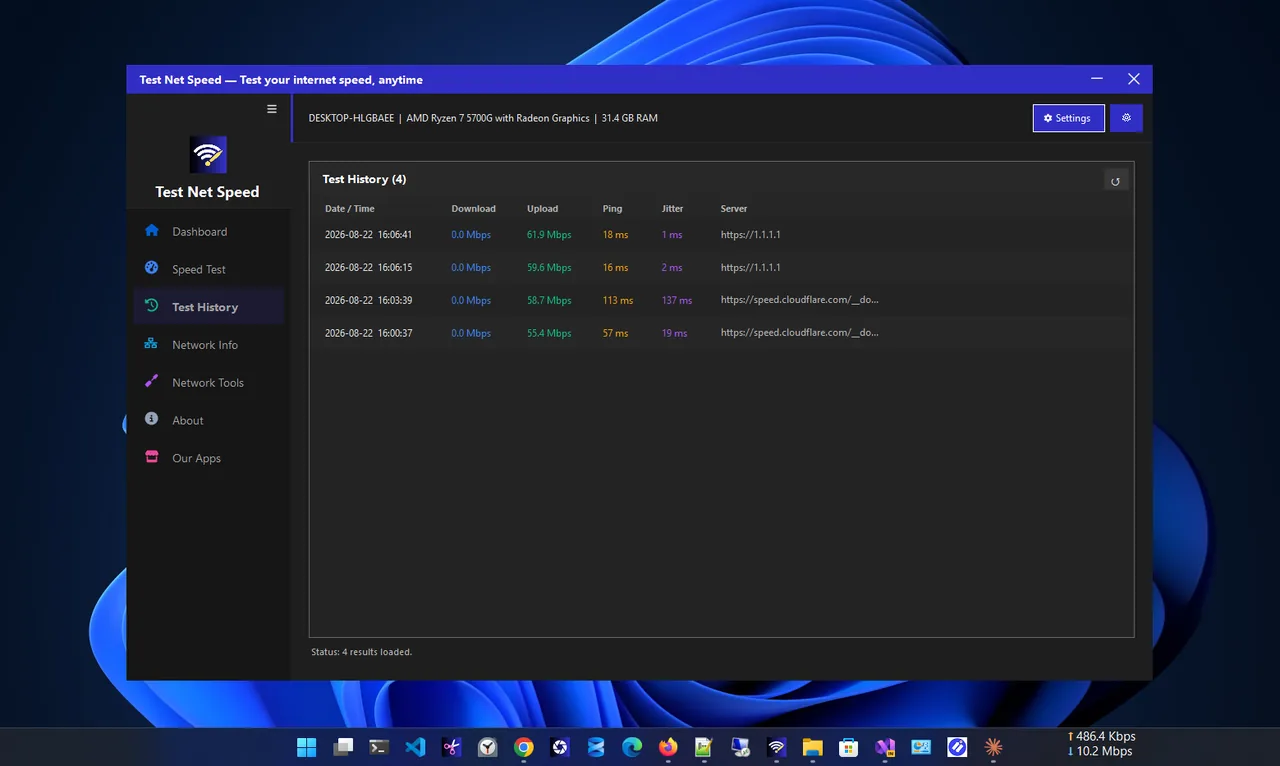
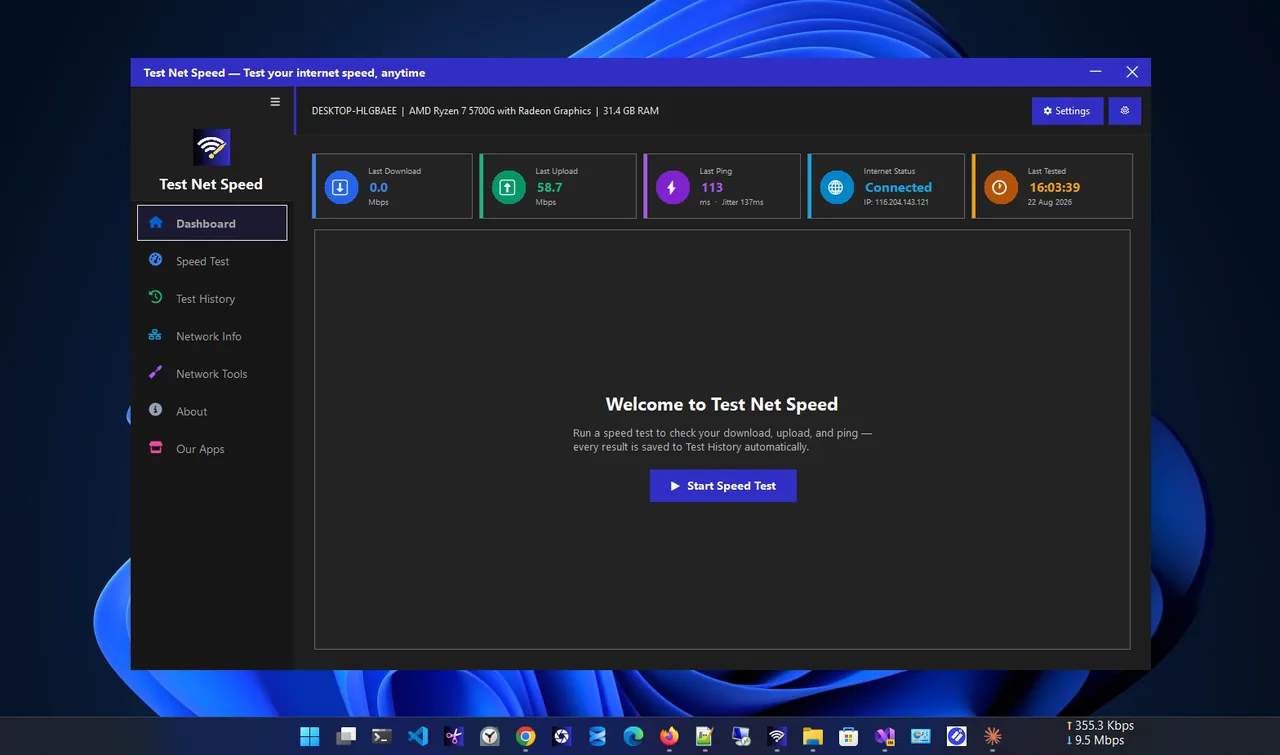
Test in the same rooms before and after any upgrade. Test Net Speed records download, upload, ping and jitter and keeps a history, so you can see whether the new router actually improved speed and latency where you use your devices.
Is Wi-Fi 6 Worth It?
| Your situation | Upgrade? |
|---|---|
| Router older than 5 years or Wi-Fi 4 only | Yes |
| 10+ connected devices, lag at busy times | Yes |
| Plan faster than 500 Mbps | Yes (Wi-Fi 6 or 6E) |
| Crowded flat, many networks on 5 GHz | Consider Wi-Fi 6E |
| Plan under 200 Mbps, few devices, Wi-Fi 5 works | Not needed |
| Weak signal in distant rooms | Mesh or better placement first |
A new router does not fix range on its own. If distant rooms are the problem, see how to boost Wi-Fi signal; for gaming and big downloads, a cable still beats every Wi-Fi generation, as shown in Ethernet vs Wi-Fi.
Wi-Fi 6 vs Wi-Fi 5: A Typical Home Test
Results in a typical three-bedroom home with a 1 Gbps fiber plan and a mid-range router of each generation give a feel for the real difference. Your numbers will vary with walls, devices and channels, but the pattern is consistent:
| Location | Wi-Fi 5 laptop | Wi-Fi 6 laptop |
|---|---|---|
| Same room as router | 450–600 Mbps | 700–900 Mbps |
| One wall away | 300–450 Mbps | 450–650 Mbps |
| Two floors away | 40–120 Mbps | 60–150 Mbps |
| Ping with 10 busy devices | Spikes to 60–150 ms | Mostly under 30 ms |
Two lessons stand out. First, Wi-Fi 6 helps most close to the router and when the network is busy. Second, distance and floors cut both generations dramatically; a second access point helps the far rooms far more than a newer standard does.
What to Look for in a Wi-Fi 6 Router
- Dual-band AX3000 or better for most homes. The number is the combined theoretical speed of both bands; it is useful only for comparing models.
- 160 MHz channel support on 5 GHz, which lets Wi-Fi 6 laptops reach gigabit speeds near the router.
- A 2.5 Gbps WAN port if your plan is faster than 1 Gbps.
- WPA3, regular firmware updates and SQM/QoS for security and steady latency.
- Mesh support if you may add units later for larger homes.
Which of Your Devices Benefit?
Phones from about 2019 onwards, most laptops since 2020 and current consoles support Wi-Fi 6. Smart plugs, cameras and
older TVs usually stay on Wi-Fi 4 or 5. That is fine: a Wi-Fi 6 router still serves them, and because it handles the
newer devices more efficiently, the old ones get more airtime too. Check your PC with netsh wlan show drivers
and your phone in its specifications before deciding the upgrade is worth it.
Wi-Fi 6 Mesh vs a Single Router
In larger homes, the bigger upgrade is often going from one router to a mesh system, whichever generation it uses. A Wi-Fi 6 mesh with a wired or dedicated wireless link between units keeps speeds high in far rooms, while a single Wi-Fi 6 router still loses most of its speed through two floors. If you are choosing between a premium single router and a two- or three-pack mesh at a similar price, mesh usually wins for coverage.
FAQ
Will Wi-Fi 6 work with my old devices?
Yes. Wi-Fi 6 routers are backward compatible. Old devices connect at their own Wi-Fi 4 or 5 speeds, and newer devices get the improvements.
Does Wi-Fi 6 have better range?
Slightly, thanks to better signal processing, but walls and the band still decide range. Mesh systems help more than a new generation.
Do I need a Wi-Fi 6 laptop to benefit?
For the speed gains, yes. A Wi-Fi 6 router still helps a Wi-Fi 5 laptop a little by serving other devices more efficiently.
Is Wi-Fi 6E better than Wi-Fi 6?
In crowded areas, yes: the 6 GHz band is empty and fast. Its range is shorter, so it works best in the same room or the next one.
Conclusion
Wi-Fi 6 beats Wi-Fi 5 most in busy homes, on fast plans and for battery life; single-device speed gains are smaller than
the box suggests. Check your PC with netsh wlan show drivers, measure before and after, and upgrade when the
router is old or the house is crowded. Browse more network apps for Windows.